What it actually is (and why you want one)
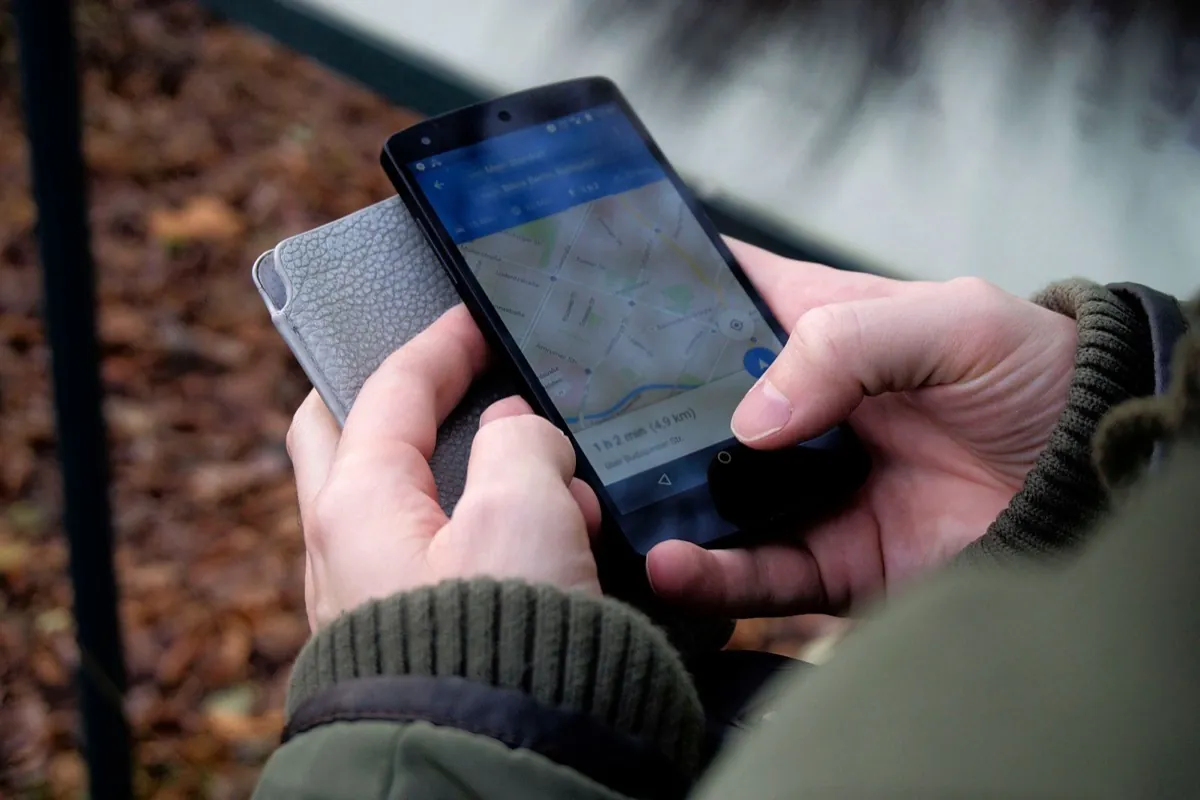
Your Google Business Profile (formerly “Google My Business”) is the listing that shows up in search and on Maps, with your phone number, opening hours, photos and reviews. When someone types “plumber Brno” or “café near me”, Google shows exactly these profiles, above the ordinary results. Without a profile you’re simply not in those results.
Step 1: Setting it up, in an evening and for free
Sign in with your Google account and go to google.com/business (or just search for “add your business to Google”). You go through a short wizard: name, line of business, contact details. Google then verifies that the business is yours, usually with a code by text message, by email, or by asking you to film a short video of your premises. Don’t let that put you off. It’s routine, and it protects your profile from strangers.
Step 2: Name and categories, where most people slip up
The name field is for your real business name only, exactly as it’s on your sign or your invoices. No “Jana’s Hair Salon, cheap haircuts Brno center”. Google suspends profiles for keywords stuffed into the name, and getting unblocked is weeks of hassle.
More important than it looks is the primary category (say “Hair salon”, “Plumber”, “Café”), because that’s how Google decides which searches you show up in. Pick the most accurate one; you can add secondary categories later.
Step 3: An address, or a service area?
Do you have premises customers come to? Give the address, and you’ll get a pin on Maps right where you are. Do you travel to your customers instead (tradesmen, cleaning, mobile services)? Choose a service area, say “Brno and the surrounding area”, and you don’t have to publish your home address. The profile works just as well.
Step 4: Photos, no stock images
Upload your logo, a cover photo and above all photos of your real work, the haircuts, the finished bathrooms, the inside of the café. People decide with their eyes and they spot a stock photo from the internet right away. As with a website: a phone and daylight are plenty.
Step 5: Reviews, the biggest lever of the whole profile
Nothing builds trust (and your position in the results) like honest reviews from real customers. In your profile you’ll find an “Ask for reviews” link; send it to a customer right after a good experience, by text or WhatsApp if you like. Most people are happy to help, you just have to ask.
And one big warning: never buy or fake reviews. Google can spot it, your profile may be blocked, and sooner or later customers notice too.
Five honest reviews from real customers do more than any ad.
Step 6: Keep the profile alive
A profile isn’t “set it and forget it”. Every now and then add a post (news, an offer, a photo from a job), reply to reviews, including the bad ones, politely and to the point, and keep an eye on your opening hours around public holidays. Google favors an active profile over a dead one.
When a profile isn’t enough
A Google profile is a great first step, but it’s still just a line in the results that looks just like your competitors’. It won’t show your work in full, it won’t take a booking and it won’t convince a hesitating customer. That’s what a website is for: the profile brings people in, the website turns them into customers. When a website really pays off (and when it doesn’t) is something I wrote up honestly in Does a small business really need a website?