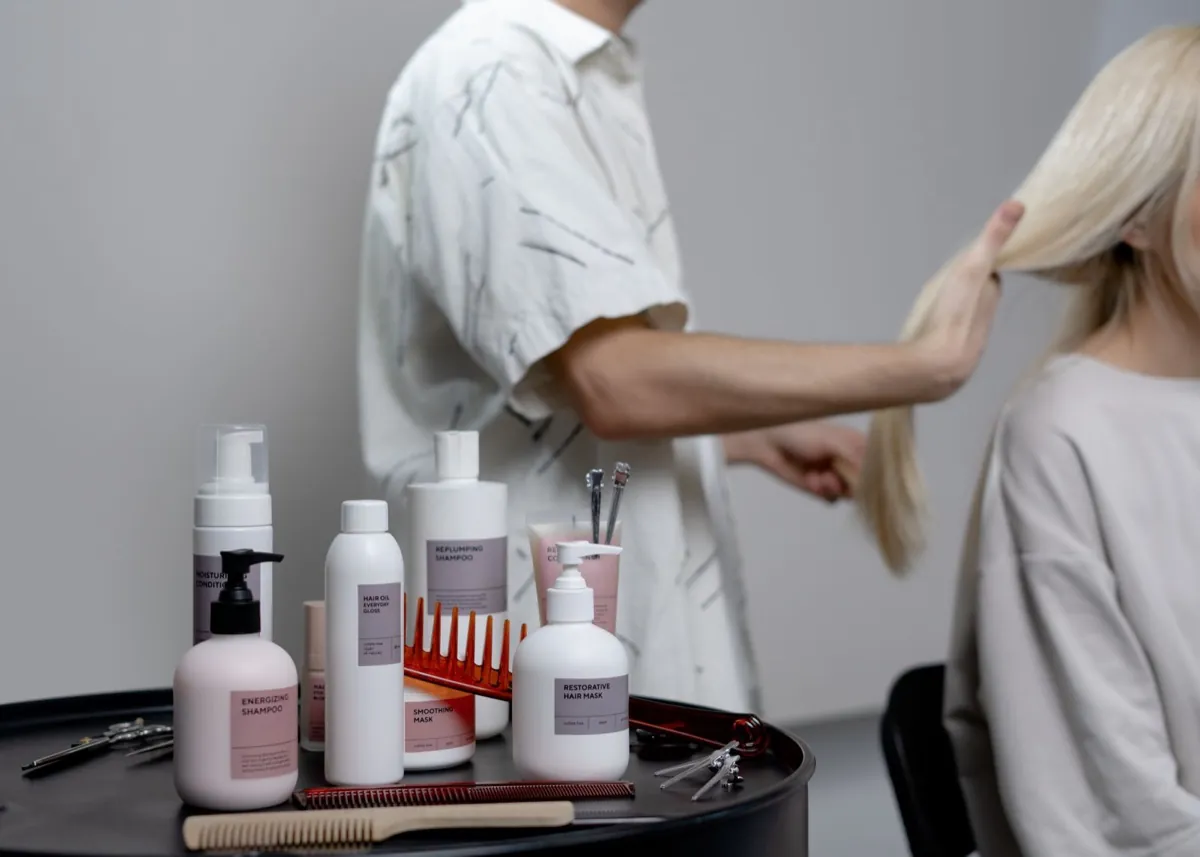
Why a salon needs a website
These days a client picks a salon with their eyes, on their phone. Before they come in, they want to see your work, your prices and a free appointment, ideally booking one right there. If they don’t find that on your website, they go to the next salon. The website is your business card, your portfolio and your booking desk in one.
Step 1: Get clear on what the website should do
Before you think about colors and photos, decide on the main goal. For a salon it’s almost always the same: win a booking and cut down the phone calls. Everything else (gallery, prices, reviews) is there to support that. That goal then decides what goes on the website and what stays off it.
Step 2: What a salon website must contain
The minimum a client expects:
- Services and prices. People want to know what you do and what it costs. A hidden price puts them off.
- Online booking. A “Book now” button that works in the evening and on weekends, the most important element of the whole website (more in step 4).
- A gallery of your work. Photos of hair, nails, transformations and the interior. In the salon world, photos sell the most.
- Where to find you. Address, map, opening hours, parking.
- Contact. A phone number and ideally WhatsApp, one tap away.
- Reviews. A few ratings from happy clients = instant trust.
Step 3: Photos decide it
A salon is a visual business, and the website lives and dies by its photos. The rule is simple: good photos of your real work and a nice shot of the interior. You don’t have to pay a photographer right away; a phone in daylight by the window will give you decent photos. That’s enough to get going. A shoot with a professional is worth it later.
What to avoid: photos pulled off the internet “for effect”. A client can tell the difference and wants to see your work, not a stock library.
Step 4: Bookings that do the work for you
For a salon this is the biggest thing a website brings. Online booking lets a client pick their own appointment, even at 10 p.m. when you’re cutting hair or asleep. Fewer calls, less copying into the book, fewer forgotten appointments. The website can connect to a booking system (Reservio or Noona, for example) or to a simple inquiry form, whichever suits you better.
Online booking takes appointments at 10 p.m. too, while you’re cutting hair or asleep. Fewer calls, fewer forgotten appointments.
Step 5: So people find you on Google
A beautiful website is no use if nobody lands on it. Three things make the biggest difference:
- A Google Business Profile (the one on Maps), free and the fastest way for people nearby to find you.
- A website focused on “hairdresser [your town]” and similar searches, so Google knows what to rank you for.
- Reviews. Google ratings raise both trust and your position in the results.
I wrote more about the basics in Does a small business really need a website?
Step 6: Mobile first
The vast majority of clients will look for you on their phone, on the way home from work, in the evening on the sofa. So the website has to be fast and easy to read on a phone: big buttons, easy booking, photos that load quickly. If the website “jumps around” on a phone or takes ages to load, the client leaves before they book.
How to do it without the stress
You have two routes. Do it yourself with a website builder (Webnode, Wix): cheap, but it takes time and you pay every month, forever. Or a custom website, where someone builds it for you from start to finish. The way I work is that I prepare the copy and the structure for you, advise on photos and take care of the whole launch (domain, bookings, Google), so you look after your clients, not the technology.
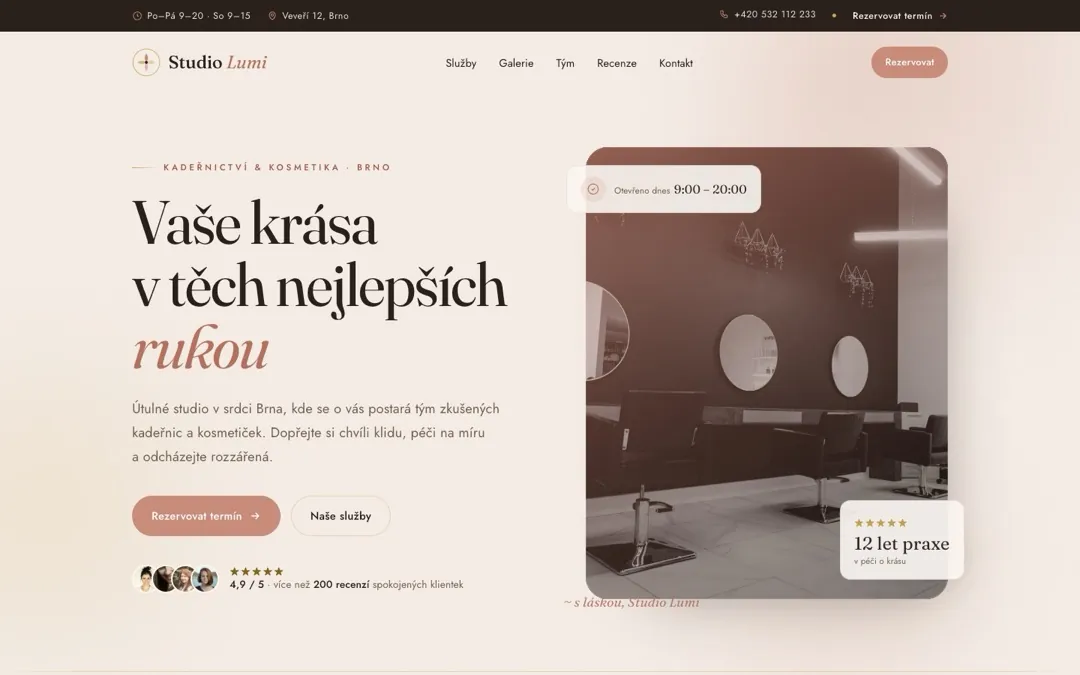
To see what such a salon website looks like, have a look at the Studio Lumi demo (in Czech). I go through the whole process behind it in the case study, and there’s more about what I can build for salons on my websites for hair and beauty salons page.