Why a café needs a website
Before someone goes for a coffee, they usually look the place up on their phone. They want to see the menu, photos, opening hours and where it actually is. If they can’t find that quickly, they go somewhere else. The website is your storefront, your menu and your directions in one, and it works even when you’re full and there’s no time to pick up the phone.
Step 1: Be clear about what the website should do
Before you think about colors and photos, decide on the main goal. For a café it’s usually simple: bring in a new guest and show them your place is worth it. Everything else (menu, photos, bookings) just supports that. That tells you what belongs on the website and what’s unnecessary.
Step 2: What a café website must contain
The minimum a guest expects:
- The menu, always up to date. Ideally right on the page, not in a downloadable PDF. It reads better on a phone and Google can read it too (more in step 4).
- Photos of the place and the food. Atmosphere sells: the interior, the coffee, the desserts.
- Opening hours and how to find you. Map, parking, the nearest stop.
- Table booking (if you take bookings), online or at least via a form and phone.
- Contact details. Phone, ideally Instagram too, where you show the everyday life of the place.
- Reviews. A few reviews from happy guests = instant trust.
Step 3: Photos and atmosphere draw people in
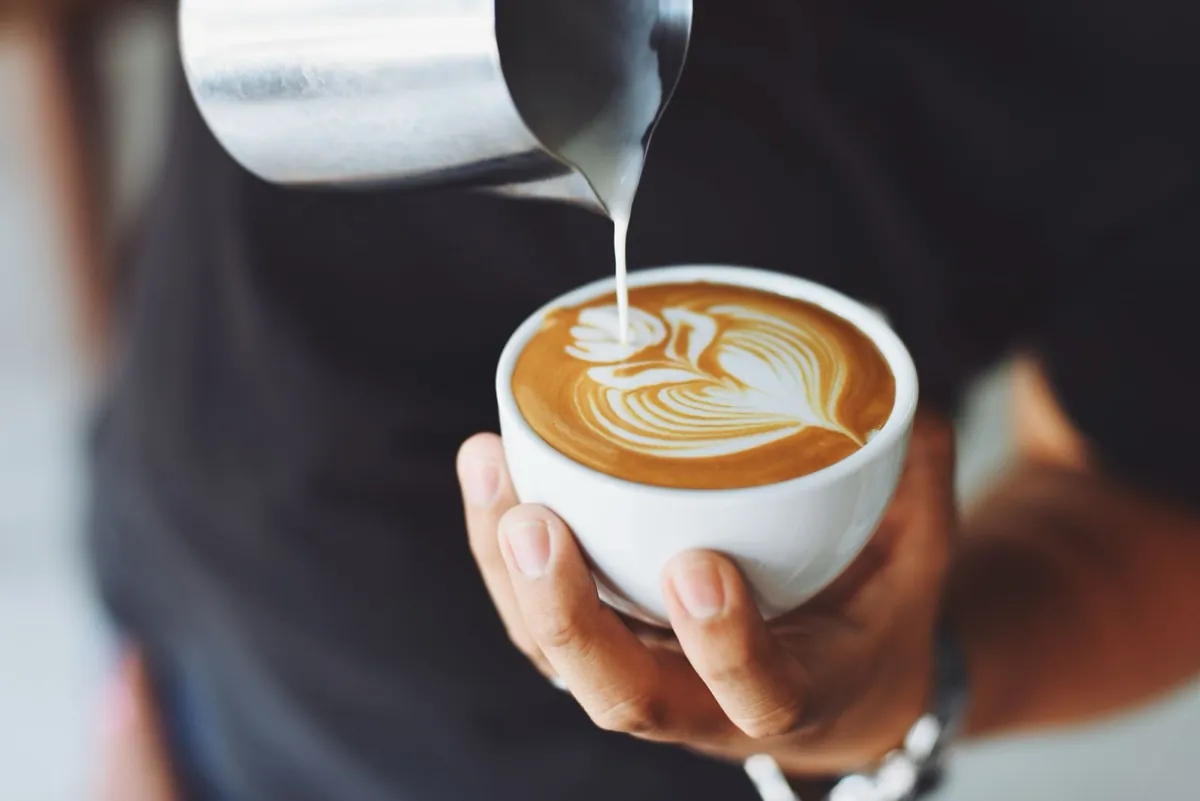
A café sells on mood, and on a website that mood is carried by photos. A cozy corner, the foam on a coffee, fresh pastries, light in the windows. You don’t have to pay a photographer right away; even a phone in daylight will get you tempting shots. What matters is that it’s your real café, not stock photos of coffee from the internet. Guests can tell the difference.
Step 4: A menu without PDFs, and bookings
Two things that save you and your guests the most trouble. A menu right on the page takes a minute to edit (a price change, a new item), reads better on a phone and shows up on Google, unlike a PDF nobody wants to download. And table bookings: for a smaller café a form or the phone is enough, for a busier place a simple booking widget connected straight to the website pays off.
Nobody downloads a PDF menu on their phone. Right on the page, you edit it in a minute, and Google finds it too.
Step 5: So people find you on Google
A nice website is useless if nobody lands on it. Three things make the biggest difference:
- A Google Business Profile (the one on Google Maps): free and the fastest way to be found by people who are nearby right now and searching for “café near me”.
- A website focused on “café [your town]” and similar searches, so Google puts you in front of the right people.
- Reviews. Google ratings build trust and lift your position in the results.
I wrote up the profile in detail in How to set up your Google Business Profile.
Step 6: Mobile first
The vast majority of guests will look for you on their phone, walking through town, deciding where to go. So the website has to be fast and clear on a phone: a big menu, photos that load quickly, and directions and your phone number a single tap away. If the website “jumps around” on a phone or takes forever to load, the guest leaves before they find out what you offer.
How to get one without stress
You have two routes. Do it yourself with a website builder (Webnode, Wix): cheap, but it takes time and you pay every month forever. Or a custom website, where someone builds the whole thing for you. The way I work is that I prepare the copy and the structure for you, advise on photos and take care of the whole launch (domain, menu, Google, bookings if you want them). You look after your guests, not the technology.
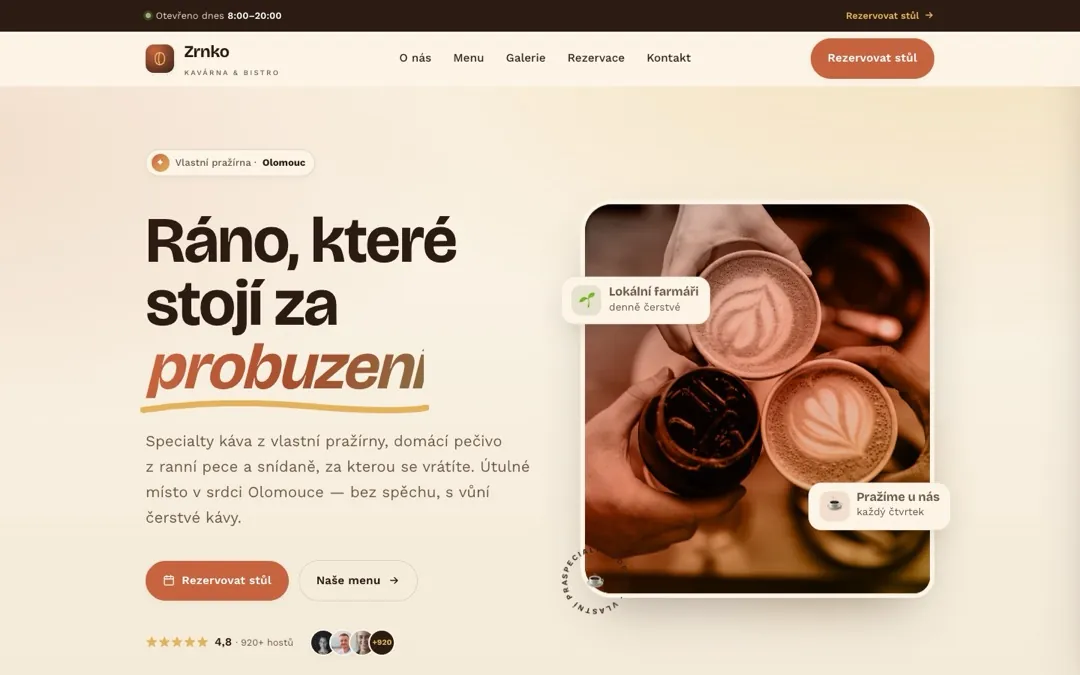
To see what such a website for a café looks like, have a look at the Zrnko café demo (in Czech). I break down the whole process behind it in the case study, and you’ll find more about what I can build for food and drink businesses on websites for cafés and restaurants.